
Tag Archives: CSS3
Subtle Animations with CSS & JavaScript: Intro
Are you curious about adding subtle animations to your website? Not sure if you know enough about CSS and JavaScript to pull it off? Then this beginner web design tutorial is for you.
HTML5 & CSS3 for Beginners [INFOGRAPHIC]
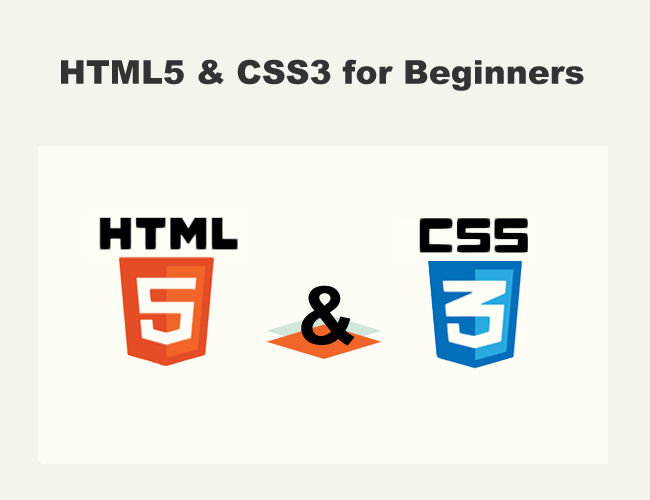
Here’s an Infographic and quick explanation to show some of the differences between HTML5 and CSS3. HTML is a markup language. CSS is a style sheet language. Simply put, HTML tells the web browser the content to present while CSS tells the web browser how to present it.
Parallax Web Design: To Scroll or Not to Scroll
If you spend much time on the internet, sooner or later you’re going to come across Parallax Web Design. Here’s a basic overview of the parallax effect used in web design. Parallax Web Design is the perfect choice for websites where you want to entertain or educate your visitors. Combining your Parallax Web Page with other more traditional pages will help solve the SEO problems associated with one-page websites.
Smooth Strides from HTML to HTML5
This beginner HTML5 tutorial will help you make smooth strides towards a basic understanding of HTML and HTML5. You’ll become familiar with these three related terms: Elements, Tags and Attributes.
Smooth Strides from CSS to CSS3
In this beginner CSS tutorial, we’ll start slow with simple explanations of HTML and CSS, then we’ll push forward into CSS3, the latest version of CSS, and explain a few things about HTML5’s wonderful sidekick.
How Websites Work: Tutorial for Small Business Owners
Most people don’t understand web design. It’s hard to understand web design when you are not computer savvy. But if you run a small business today, your business needs to be found on the web. This mini-tutorial is aimed at the small business owner looking for a jump-start guide that explains the basics of ‘How Websites Work.’
Toddler Steps from XHTML to HTML5 – Contact Forms
If you’ve been think about converting your XHTML web pages to HTML5 web pages, your contact page may be the easiest place to start. There are many new interesting features in HTML5 forms, such as new input types, new attributes and basic browser validation. You’ll soon discover that you don’t need to be an HTML5 Expert to start using HTML5.


